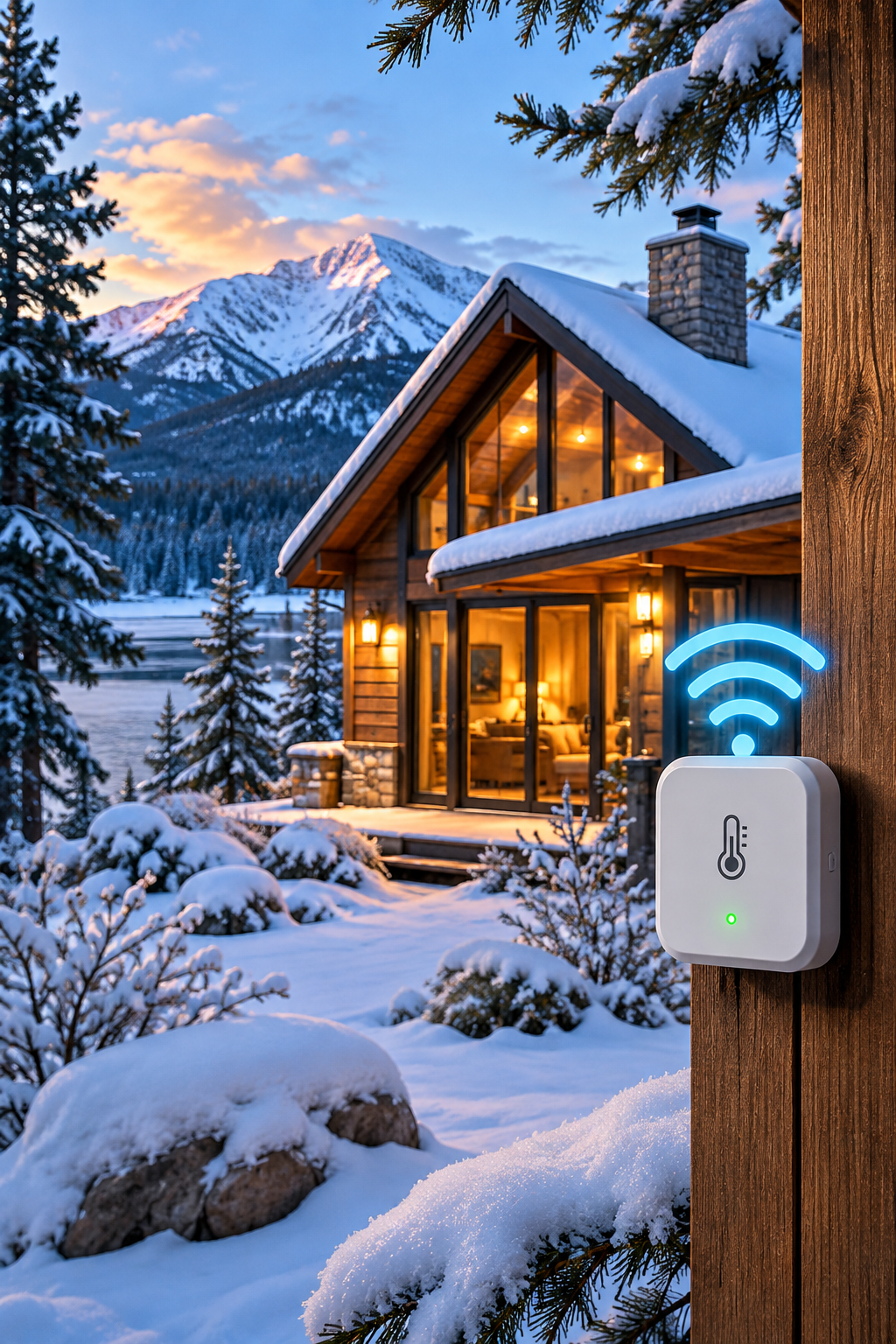
Compare cellular and Wi-Fi temperature monitors for cabins, vacation homes, and other properties you cannot check every day.
Why connectivity is the first decision
A remote temperature monitor is only useful when it can report a problem. Before comparing sensor accuracy or app features, identify how the device will reach you when nobody is at the property. A Wi-Fi monitor generally depends on the local router, broadband connection, and electricity. A cellular monitor uses a mobile network, but requires usable coverage and often a paid service plan.
When Wi-Fi makes sense
Wi-Fi monitors are often economical when a property has reliable broadband, a well-positioned router, and an owner who can troubleshoot outages. They may be well suited to an occupied home or a vacation property with dependable internet. Check whether the monitor sends alerts through the manufacturer’s cloud service and what happens when the router loses power.
When cellular makes sense
Cellular monitoring can be a stronger fit for cabins without fixed internet, vacant rentals, or properties where maintaining a router is impractical. It does not automatically guarantee reliability: cellular coverage varies by carrier and location, and a weak signal inside a metal building or basement can interfere with alerts.
Power outages and battery backup
A backup battery matters for both connection types. A battery-powered Wi-Fi sensor cannot deliver a notification if its router and modem are offline. A cellular unit with an appropriate backup battery may continue reporting during a local power outage, provided the cellular network remains available. Check battery runtime, alert frequency, and whether the device reports loss of external power.
Costs to compare
Compare upfront hardware cost, any monthly or annual cellular subscription, replacement batteries, and the cost of internet service if the property does not already have it. Do not assume cellular service is included indefinitely. Confirm coverage, plan terms, and cancellation conditions before purchasing.
A practical checklist
Before buying, verify: (1) the available internet and cellular signal at the installation point; (2) temperature and humidity ranges; (3) low-temperature and high-temperature alert thresholds; (4) power-loss alerts and backup runtime; (5) how alerts are delivered; (6) recurring costs; and (7) whether multiple people can receive alerts.
Bottom line
Choose Wi-Fi if the connection is stable and already maintained. Consider cellular when independent connectivity is more important than the lowest upfront price. Neither replaces periodic property inspections or an appropriate response plan.
Editorial note: Device features, network support, and pricing vary by model and can change. Verify specifications with the manufacturer before purchasing.
Cellular vs. Wi-Fi at a glance
| Question | Wi-Fi monitor | Cellular monitor |
|---|---|---|
| Needs existing internet? | Usually yes | No fixed broadband required |
| Ongoing expense | May use existing broadband | Often requires cellular service |
| During a local power outage | Router and modem may go offline | May continue with device backup power |
| Biggest reliability check | Router, internet, and power | Carrier coverage and backup runtime |
Compare specific products in our Temp Stick vs. MarCELL guide, or use the buying checklist to evaluate other models.
Continue reading
Before choosing a connection
At the property, check the Wi-Fi signal where the sensor will sit and whether the router remains powered during an outage. For cellular monitoring, check carrier coverage at the exact building, not just the ZIP code. Compare the full three-year cost—including any required plan—and arrange for someone local to respond to alerts.
If freezing pipes are a concern, compare the alert and connectivity trade-offs in our freeze alarm guide for cabins and vacation homes.
For a cabin without broadband, use our cellular monitor buying checklist to compare the practical options. Whichever connection you choose, correct sensor placement is important for meaningful alerts.