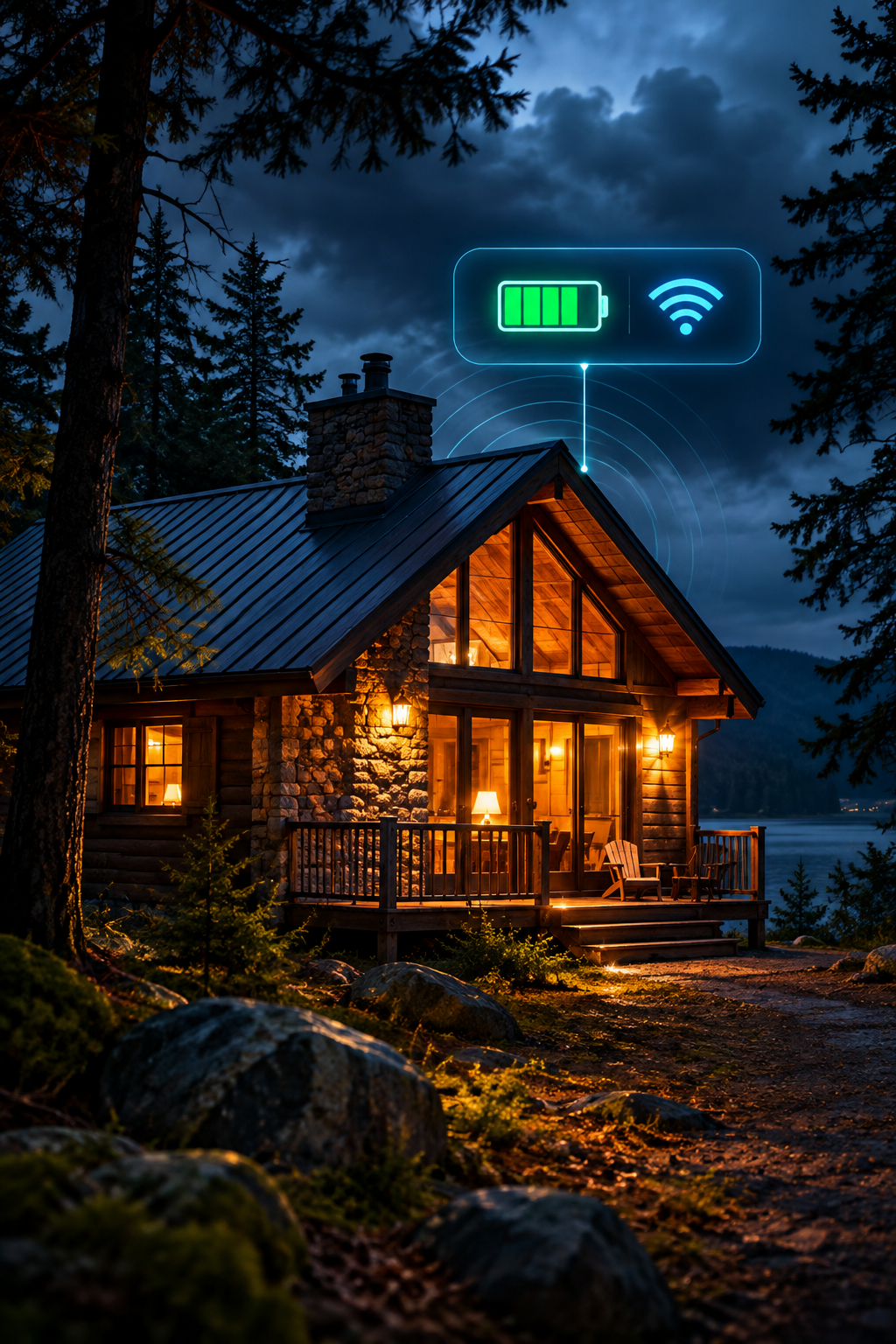
Where you install a remote temperature sensor can matter as much as which model you buy. This guide explains how to choose locations for cabins and vacation homes, avoid misleading readings, and test alerts before leaving the property unattended.
Why placement matters
A remote temperature monitor can only report conditions where its sensor sits. A reading near a sunny window, heating vent, or exterior door may differ from the temperature around plumbing or in another room. For a seasonal property, the goal is not to find a universally perfect location: it is to detect a meaningful change early enough for someone to respond.
Start with the risk you need to detect
For freeze protection, identify vulnerable areas such as plumbing in exterior walls, utility rooms, basements, and spaces that receive less heat. A centrally located sensor can indicate general indoor temperature, but it may miss a colder room. For a cabin with several distinct zones, consider whether multiple sensors are needed rather than assuming one reading represents the whole building.
Where to place a general room sensor
Choose an interior location with representative airflow and a stable environment. Keep it away from direct sunlight, fireplaces, radiators, supply vents, exterior doors, and damp surfaces unless the device is specifically designed for those conditions. Follow the manufacturer’s installation and operating-range guidance. Place the sensor where it can maintain the required Wi-Fi or cellular connection.
Where a second sensor may help
A second sensor may be useful near a vulnerable plumbing area or in a separate building zone that cools more quickly. Avoid placing ordinary indoor devices where condensation or water exposure could damage them. If a crawlspace, garage, or outbuilding needs monitoring, verify that the chosen model supports its temperature range and environmental conditions.
Check connectivity at the exact location
Before permanently mounting a monitor, test the connection where it will operate. Wi-Fi signal strength can vary between rooms and floors; cellular coverage may change inside metal-sided buildings or basements. A device that connects near the router may not reliably report from a distant utility room. Compare Wi-Fi and cellular temperature monitoring if the property has unreliable internet.
Set useful alert thresholds
Select thresholds based on the property and the risk, not a generic number alone. A low-temperature alert should provide time to act before pipes or other vulnerable systems freeze; the right setting depends on building insulation, plumbing locations, heating, and how quickly a local contact can respond. Review whether the device supports repeated notifications, multiple recipients, and alerts when it stops reporting.
Test before leaving the property
Install the device early enough to observe normal readings. Confirm that alerts reach your phone or email, that the sensor stays connected, and that someone else can respond if you are unavailable. Where safe and supported by the device, use a test notification or temporarily adjust an alert threshold to confirm delivery. Restore the intended threshold afterward. Also verify what happens if power or internet service is lost.
Common placement mistakes
Avoid assuming the warmest room represents the entire building. Do not place a sensor in direct sunlight or immediately beside a heater. Do not rely on a single reading for isolated plumbing zones, and do not assume battery backup means notifications will continue if the router is offline. Most importantly, do not treat an alert as a substitute for winterizing, maintenance, or a local response plan.
Choosing a monitor for your layout
For a property with dependable internet, a Wi-Fi monitor may be straightforward to install. For a cabin without broadband, evaluate a cellular device and its coverage and service costs. Read the remote temperature monitor buying guide and the Temp Stick vs. MarCELL comparison before choosing. Check whether the model supports additional sensors if you need more than one location.
Final placement checklist
Identify the coldest vulnerable areas; choose a representative primary location; verify connection strength at the mounting point; follow the manufacturer’s environmental guidance; test alert delivery; set a realistic local response plan; and review readings after the first cold spell. A well-placed sensor is one part of a broader freeze-protection strategy.
For winter-specific planning, see our guide to freeze alarm systems for cabins. Product capabilities vary by model; verify current manufacturer documentation before installation.
For equipment selection, start with our remote temperature monitor buying guide. If your cabin has no Wi-Fi, compare the cellular monitoring options and costs before choosing sensor locations.