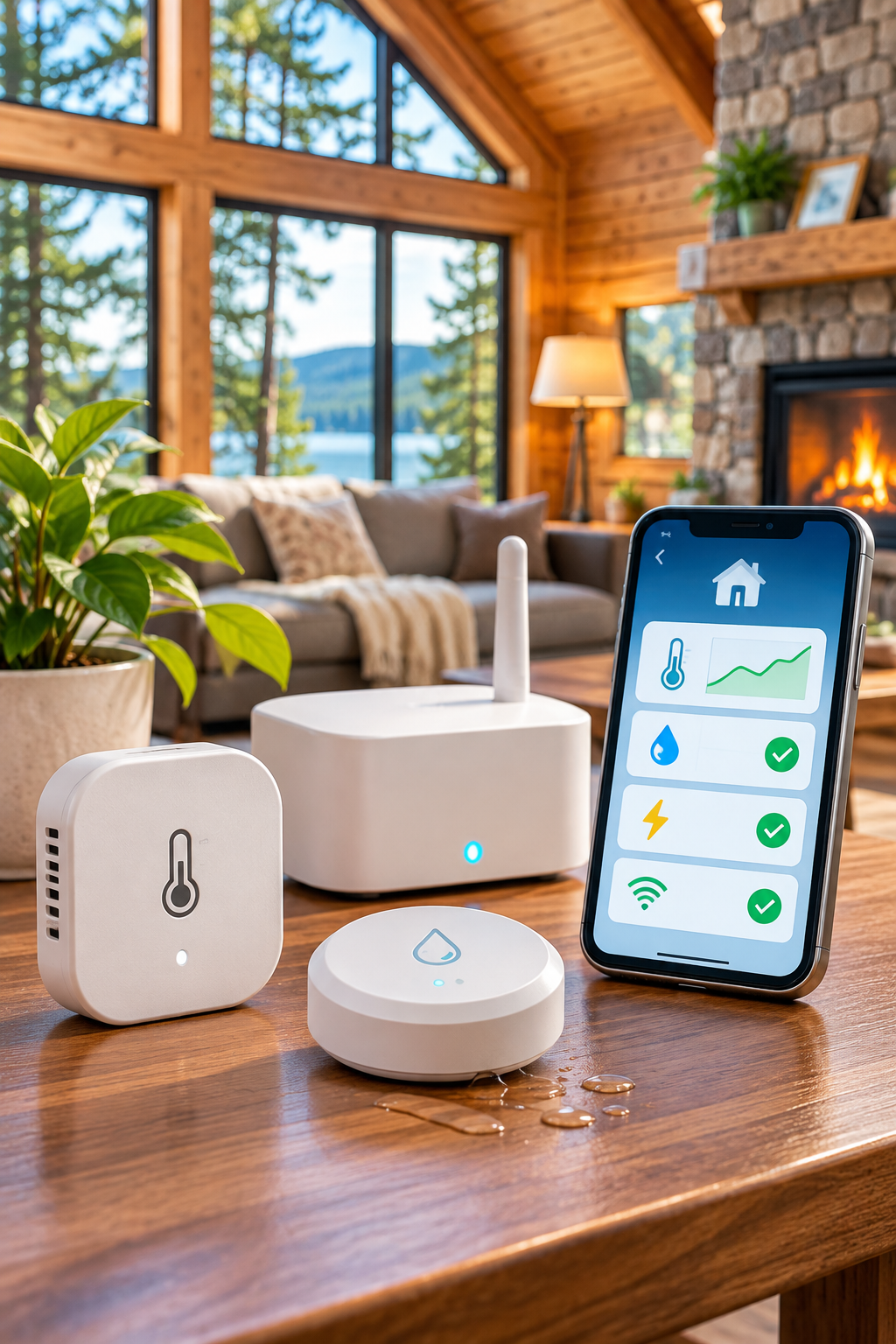
A practical checklist for choosing a remote temperature monitor for a cabin, second home, or rental.
Quick buying checklist: choose a monitor for your cabin
Cabin with reliable Wi-Fi: compare Wi-Fi sensors with low-temperature alerts and confirm what happens if the router loses power. Cabin without broadband: compare dedicated cellular monitors, coverage, and subscription costs. Cabin with frequent outages: verify battery backup, loss-of-power notifications, and whether alerts still work without local internet. Multiple rooms or plumbing zones: confirm support for additional sensors and separate alert thresholds. Before purchasing, calculate the total cost of hardware plus service fees over at least one year.
For a focused no-Wi-Fi comparison, read our cellular temperature monitor guide. If you are comparing two commonly researched devices, see Temp Stick vs. MarCELL.
Start with the failure you need to detect
A remote temperature monitor can help identify a freezing risk, overheating, or a humidity problem. It cannot prevent damage by itself. Decide which events warrant an alert and who can respond. For freeze prevention, consider plumbing layout, insulation, heating reliability, and local weather in addition to monitoring.
Choose a connection that will stay available
Wi-Fi sensors need a working local network and often a cloud service. Cellular sensors depend on mobile coverage and usually an ongoing service arrangement. Test the connection where the device will be installed, not just outdoors. Check whether the device reports a loss of connectivity or merely stops sending readings.
Look beyond advertised accuracy
Review operating temperature range, stated accuracy, update frequency, sensor placement guidance, and whether the app shows historical readings. A device designed for indoor living spaces may not suit an unheated outbuilding. Consider whether readings can be exported if you need records.
Alerts and escalation
Check whether thresholds are adjustable, whether alerts arrive by app, email, text, or phone call, and whether multiple contacts can be notified. Some features may depend on a paid plan. Test alerts under normal conditions and periodically thereafter; notification settings and phone permissions can change.
Power and maintenance
Find out whether the sensor uses disposable batteries, rechargeable power, or an outlet. A backup battery may keep the sensor alive but not the Wi-Fi router. Check expected battery life, low-battery warnings, and any maintenance required before leaving the property unattended.
Calculate total ownership cost
Add the device price, subscriptions, data service, accessories, and expected battery replacement costs across three years. Read plan terms carefully: advertised starting prices may exclude optional alerts, additional devices, or taxes.
Shortlist checklist
Compare each candidate on connectivity, signal at the property, backup power, alert methods, number of contacts, operating range, subscription cost, and return policy. Confirm each point against current manufacturer documentation.
Which monitoring setup fits your property?
| Your situation | Start by considering | Key limitation to check |
|---|---|---|
| Reliable internet and power at the property | A Wi-Fi temperature monitor | Whether alerts continue if the router or internet connection fails |
| No broadband, but dependable mobile coverage | A cellular temperature monitor | Signal strength, subscription terms, and backup battery duration |
| Frequent power interruptions | A monitor with explicit power-loss alerts and backup capability | Whether the device can actually transmit alerts during an outage |
| Unoccupied property during freezing weather | Low-temperature alerts plus a local response plan | Sensor placement, notification reliability, and who can intervene |
Two product approaches worth comparing
Temp Stick is a useful starting point when the property has dependable Wi-Fi and you want to evaluate remote temperature and humidity alerts. MarCELL is worth researching when a cellular connection may be more appropriate, particularly for properties without broadband. These are examples to compare, not universal recommendations: confirm current model specifications, coverage, power requirements, alert methods, and service fees before purchasing.
See our Temp Stick vs. MarCELL comparison for a closer look at the trade-offs. We have not represented either product as independently hands-on tested.
Before you buy: a five-minute decision check
- Confirm the property has a reliable Wi-Fi or cellular connection at the intended sensor location.
- Check exactly how alerts arrive and whether another person can receive them.
- Understand what happens during a power or internet outage.
- Calculate the full three-year cost, including service and batteries.
- Choose someone who can respond locally if an urgent alert arrives.
Next step: Compare the connectivity options in our Wi-Fi vs. cellular guide, then review the product comparison before visiting manufacturer websites. Product links can be added once Ventrilio’s affiliate applications are approved, with clear disclosure.
Bottom line
The best monitor is not necessarily the one with the most sensors. It is the one that reliably communicates the specific problem you need to know about and fits a realistic response plan.
Research note: Product capabilities and plan terms change. Verify current manufacturer documentation before buying.
Quick comparison worksheet
| Feature | Why it matters | What to verify |
|---|---|---|
| Connectivity | Determines whether an alert can leave the property | Wi-Fi requirements or cellular coverage |
| Outage reporting | Helps distinguish a power failure from a temperature change | Explicit power-loss and offline-alert support |
| Backup power | Can keep a device operating temporarily | Actual backup duration and network dependency |
| Alert delivery | Determines who can respond | Text, call, app, email, and recipient limits |
| Three-year cost | Exposes recurring expenses | Device, service, accessories, and batteries |
To see how two different connectivity approaches compare in practice, read Temp Stick vs. MarCELL. If your property lacks broadband, start with monitoring a cabin without Wi-Fi.
Continue reading
Questions to ask before checkout
Does the sensor send an alert when connectivity is lost, or only when temperature crosses a threshold? Can more than one person receive notifications? Is historical data available without an extra fee? What happens after a battery or power failure? Verify these details for the exact model rather than assuming all products in a brand’s range behave alike.
If your priority is preventing winter damage, use our freeze alarm comparison for cabins to evaluate alerts, backup power, and placement.
For properties without Wi-Fi, narrow the options with our cellular temperature monitor comparison checklist. Once you have a device in mind, use our sensor placement guide to plan installation.